1. Home
  2. Compare QuickBooks Desktop editions

Pro vs Premier vs Enterprise

Compare QuickBooks Desktop editions

Same accounting core, different depth. Here is what changes as you go up.

Pro vs Premier vs Enterprise

Which edition fits your business?

All three are full desktop accounting suites with lifetime activation. The difference is depth: industry reporting, inventory and how many people can work at once.

What you get
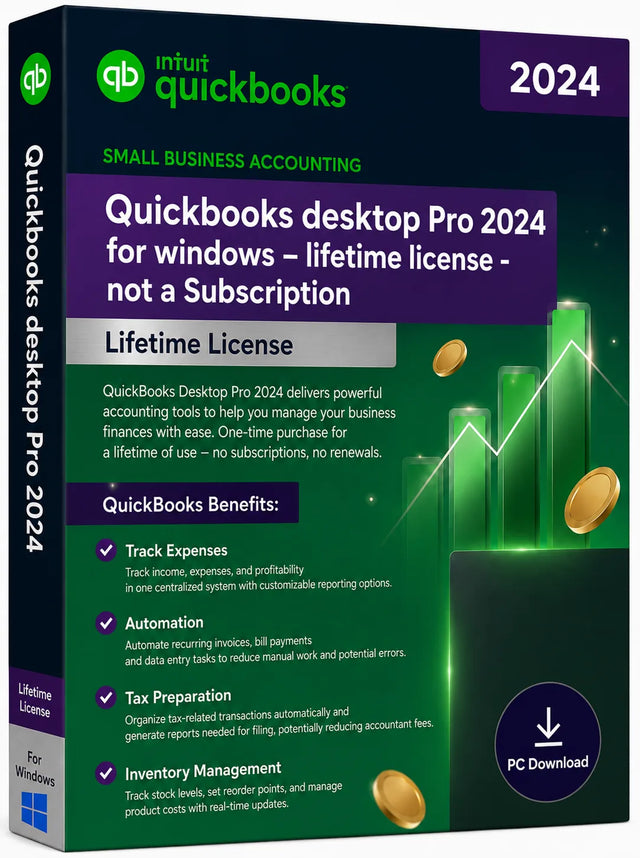
ProSmall businesses, up to 3 users
PremierIndustry editions, up to 5 usersMost popular
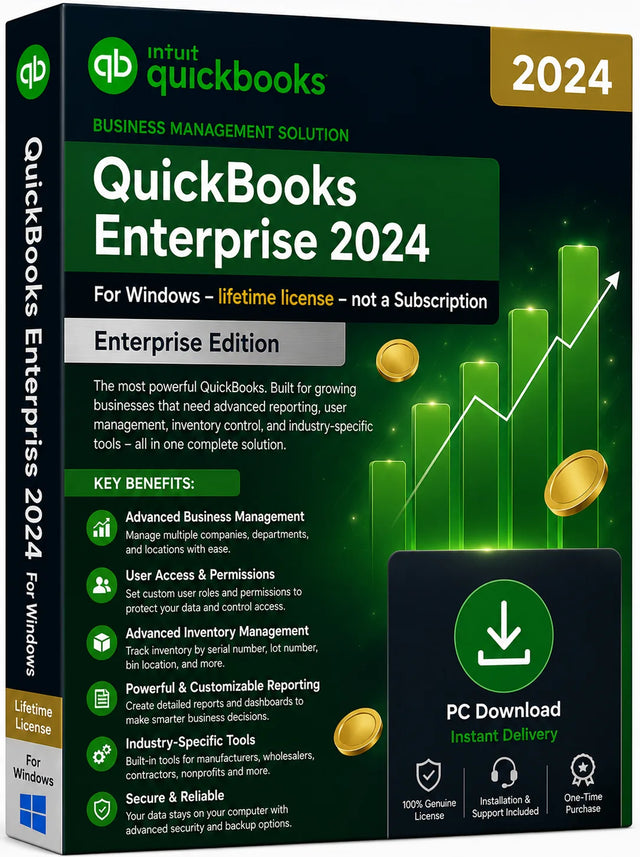
EnterpriseAdvanced inventory, up to 40 users
Invoicing, expenses, bank reconciliation
Built-in financial reports150+200+200+ advanced
Industry editions (contractor, nonprofit, retail, manufacturing)
Sales orders & forecasting
Advanced inventory & advanced pricing
Simultaneous usersUp to 3Up to 5Up to 40
Lifetime licence, no subscription
Instant email delivery + activation help
See licences See licences See licences

Single or multi-user

One licence, sized for your team

Every edition is available as a 1, 3 or 5 user licence. Pick the user count on the product page. Everyone works on the same company file at the same time.

1 User

For owners, freelancers and solo bookkeepers.

  • One installation, one login
  • Full edition, nothing stripped out
  • Lifetime activation
  • Free setup help
Base priceStandard price

5 Users

For accountants, firms and growing companies.

  • Five simultaneous users
  • Multi-user mode included
  • Priority activation support
  • Lifetime activation
Typically+90% vs single user

Choose your edition

Every QuickBooks Desktop edition, one honest price

Pro for small teams, Premier for industry-specific reporting, Enterprise for growing companies. Windows and Mac, US and Canada.

Buy once. Activate today. Covered for 30 days.

Every licence is genuine, delivered by email and backed by real humans who help you activate. If it does not work on your setup, you get your money back.

Genuine licence guarantee 30-day money-back guarantee Free activation support, 7 days a week